How to Buy Products on Robot Jadul
-
- Select “Account” and then choose “Login” to go to the account creation page.
- If you do not have an account, select “Register”. If you already have one, select “Login” and fill out the form.
Note: You cannot complete a purchase/transaction without having an account.
-
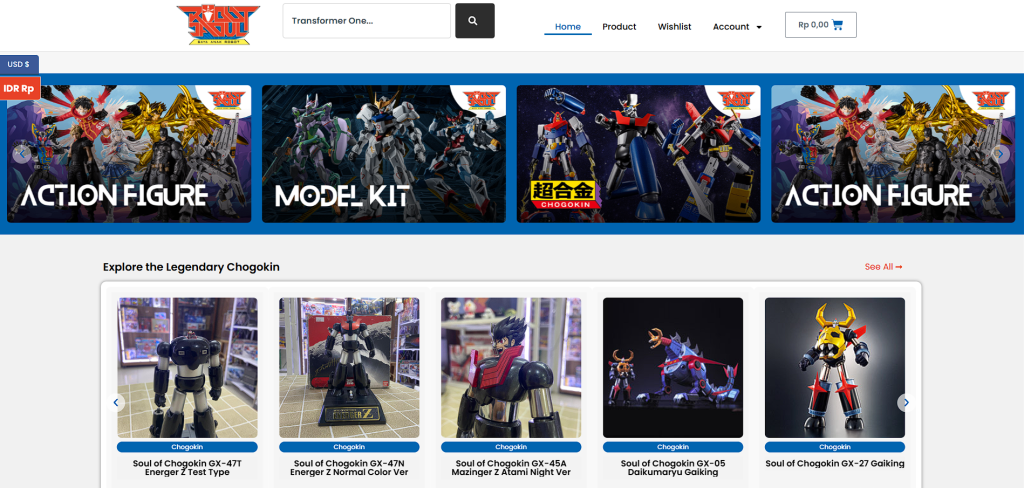
- On the “Home” Page, buyers can select the currency for product transactions. There are two options: USD ($) or IDR (Rp), located in the switcher bar on the left side of the page.
-
- Next, select the “Product” option to see all the desired products.
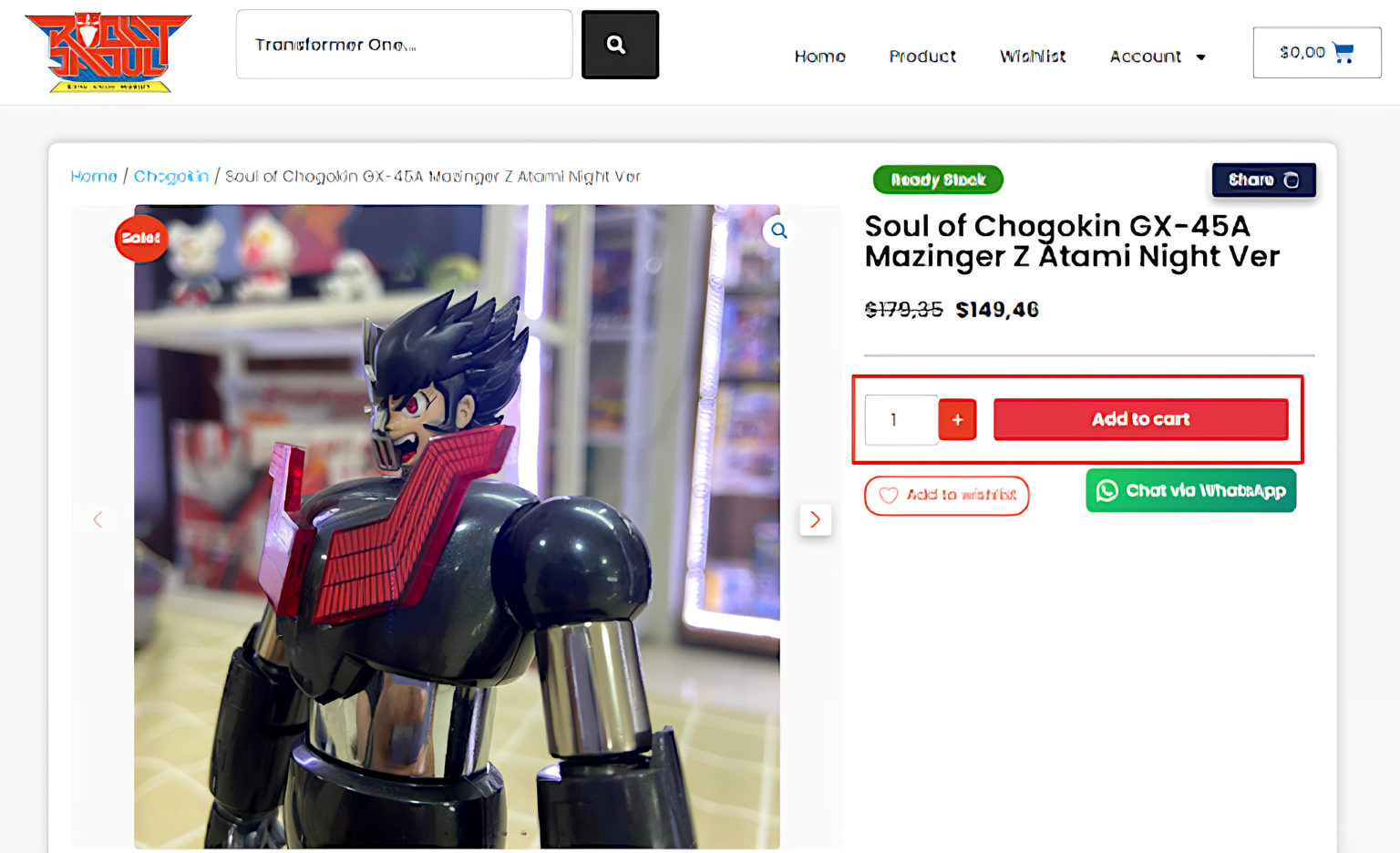
- After selecting a product, enter the quantity you want, and then click “Add To Cart.”
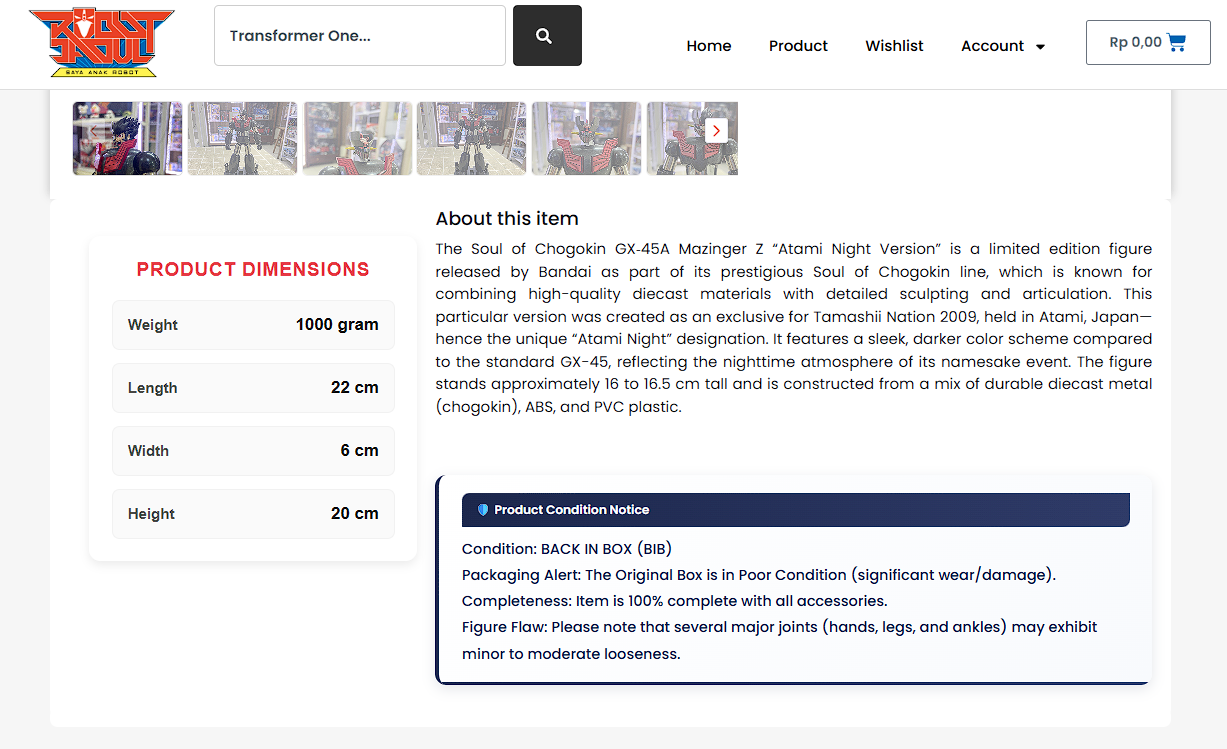
- Note:
Check the description and condition. Make sure they match your needs.
- You will then be redirected to the “Cart” page. Check that the price, quantity, and total payment are correct. Once everything is confirmed, select “Proceed To Checkout.”
-
-
- On the “Checkout” page, enter your personal details, address, and mobile phone number (WhatsApp) for the shipping information. Then, select “Place Order” to continue the transaction.
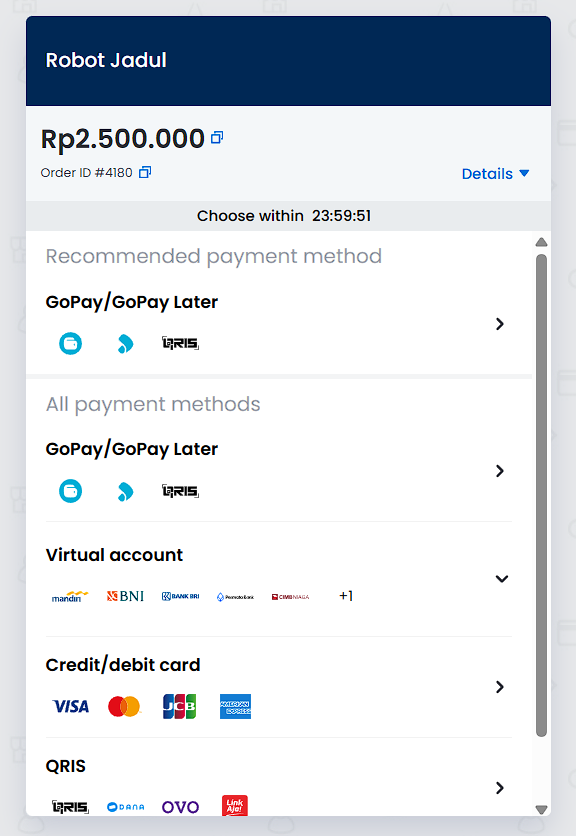
- The final step is to choose your payment method and complete the payment.
-
- After the payment is complete, your product status will change to “On Hold.” We will then re-check the purchased item.
-
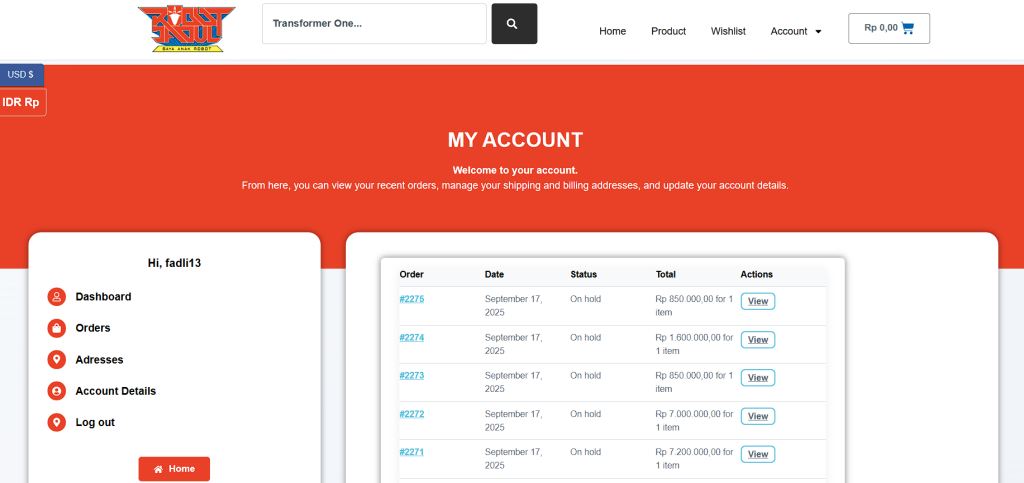
You can view the “On Hold” status by going to “My Account” and then “Order.”
-
-
- Also on the “My Account” page, you can see the order details and proof of payment after selecting “View.”
-
- We will contact you via the mobile number entered during Checkout to agree on the preferred shipping service.
- Once the shipping service is agreed upon, the buyer will receive an official Payment Link to settle the separate shipping fee.
- The product status will then change to “Processing” and be ready for delivery to the destination address.